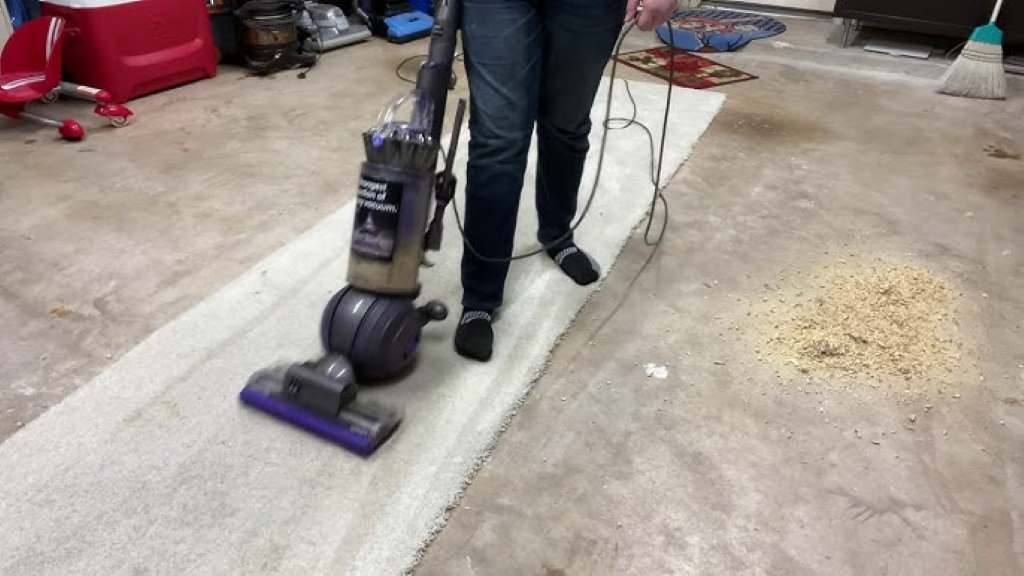
Struggling to vacuum thick carpet with your Dyson Ball? You’re not alone. I remember the first time I tried vacuuming my new plush living room carpet with my Dyson Ball Animal. It felt like pushing a boulder uphill—exhausting and ineffective. Thick carpets are luxurious, but they can be a nightmare for vacuum cleaners if not adjusted properly. Fortunately, adjusting your Dyson Ball vacuum for thick carpet is easier than you think, and it can transform your cleaning routine. In this guide, I’ll share a step-by-step storytelling journey to help you master your vacuum settings, avoid common pitfalls, and keep your thick carpet spotless. Let’s dive into how to adjust your Dyson Ball vacuum for thick carpet and make cleaning a breeze.
Understanding Your Dyson Ball Vacuum’s Features
The Dyson Ball vacuum is a marvel of engineering, designed to tackle various surfaces, from hardwood to thick pile carpets. Its ball technology allows for smooth maneuvering, but the real magic lies in its adjustable settings. The suction power and brush bar are key to cleaning thick carpets effectively. Thick carpets, with their dense fibers, trap dust and debris deep within, requiring stronger suction and proper brush height to avoid clogging or strain.
When I first got my Dyson, I didn’t realize it had a height adjustment feature. I kept using the default setting, wondering why my vacuum struggled. According to Dyson’s official guide, the brush bar should be adjusted to suit the carpet’s pile height for optimal performance. This prevents the vacuum from getting stuck or losing suction. Understanding these features is the first step to mastering thick carpet cleaning. Check your model’s manual to locate the adjustment dial or lever, usually found near the base or on the cleaner head. Knowing your vacuum’s capabilities sets the stage for a flawless cleaning experience.
Why Thick Carpets Need Special Attention
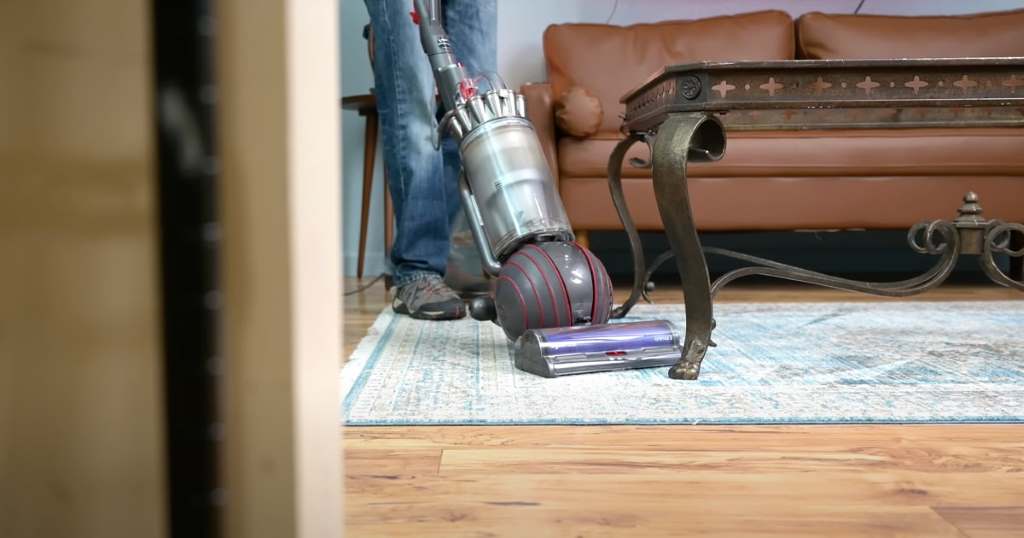
Thick carpets are cozy and stylish, but they’re also dust magnets. Their dense fibers create a haven for allergens, pet hair, and dirt, making regular vacuuming essential. However, using the wrong vacuum settings can damage the carpet or strain the vacuum’s motor. I learned this the hard way when my Dyson started overheating on my shag carpet. A 2021 study by the Asthma and Allergy Foundation of America found that carpets can trap up to 74% of indoor allergens, emphasizing the need for proper vacuuming techniques.
Thick carpets require higher suction and a raised brush bar to glide smoothly without digging too deep. Without adjustments, the vacuum can become sluggish, overheat, or even leave debris behind. Additionally, improper settings can wear out carpet fibers over time, reducing their lifespan. By adjusting your Dyson Ball vacuum correctly, you ensure deep cleaning without compromising your carpet’s texture or your vacuum’s performance. Transitioning to the right settings not only improves efficiency but also protects your investment in both the carpet and the vacuum.
Step-by-Step Guide to Adjusting Your Dyson Ball Vacuum
Adjusting your Dyson Ball vacuum for thick carpet is straightforward once you know the steps. Here’s how I do it, based on trial and error and Dyson’s recommendations:
- Locate the Height Adjustment Dial: Most Dyson Ball models have a dial or lever on the cleaner head. Mine is a small wheel near the base, marked with carpet icons.
- Set to High-Pile Mode: Turn the dial to the highest setting or the thick carpet icon. This raises the brush bar to prevent it from digging too deep.
- Check Suction Settings: Some models have a suction control slider. For thick carpets, set it to maximum suction for deeper cleaning.
- Test the Vacuum: Push the vacuum slowly. If it feels too heavy, lower the suction slightly or recheck the height setting.
- Clean the Brush Bar: Thick carpets shed fibers that can clog the brush bar. Remove debris regularly to maintain performance.
I once skipped the height adjustment and ended up with a tangled brush bar full of carpet fibers. Lesson learned! Always test the vacuum after adjusting to ensure smooth movement. For more details, Dyson’s support page offers model-specific guides. These steps will make your vacuum glide effortlessly while picking up every speck of dirt.
Common Mistakes to Avoid When Vacuuming Thick Carpet
Vacuuming thick carpet seems simple, but small mistakes can lead to big problems. Here are some pitfalls to steer clear of:
- Using the Default Setting: Thick carpets need a higher brush bar setting to avoid strain.
- Ignoring Clogs: Check the brush bar and hose regularly for debris buildup.
- Vacuuming Too Fast: Slow, steady passes allow the vacuum to pick up deep-seated dirt.
- Skipping Maintenance: Empty the canister and clean filters often to maintain suction.
- Overlooking Suction Adjustments: Too much suction can make the vacuum hard to push.
- Not Checking the Manual: Each Dyson model has unique settings, so refer to the manual.
I once rushed through vacuuming and didn’t notice a clogged brush bar, which reduced suction significantly. Taking a moment to check your vacuum can save time and effort. Avoiding these mistakes ensures your Dyson performs at its best, keeping your thick carpet pristine and your vacuum in top shape.
Tips for Maintaining Your Dyson Ball Vacuum
To keep your Dyson Ball vacuum running smoothly on thick carpet, regular maintenance is key. Here are my go-to tips:
- Empty the Canister Frequently: Thick carpets release more debris, filling the canister quickly.
- Clean the Brush Bar Weekly: Use scissors to cut away tangled fibers or hair.
- Wash Filters Monthly: Clogged filters reduce suction, so rinse them under cold water.
- Check for Blockages: Inspect the hose and airways for obstructions.
- Store Properly: Keep the vacuum in a dry, dust-free area to prevent damage.
- Schedule Deep Cleaning: Every six months, give your vacuum a thorough checkup.
Maintaining my Dyson has become a ritual. Once, I neglected the filters, and the suction dropped noticeably. After a quick wash, it was back to full power. Regular care extends your vacuum’s life and ensures it tackles thick carpets effectively. Check Dyson’s maintenance videos for visual guides.
Benefits of Proper Adjustment for Thick Carpet
Adjusting your Dyson Ball vacuum for thick carpet offers several advantages:
- Improved Cleaning Efficiency: Proper settings ensure deeper dirt removal.
- Extended Carpet Lifespan: Correct brush height prevents fiber damage.
- Reduced Wear on Vacuum: Optimal settings prevent motor strain.
- Enhanced Indoor Air Quality: Removing trapped allergens improves health.
- Easier Maneuverability: The vacuum glides smoothly, reducing effort.
- Cost Savings: Proper care avoids costly repairs or replacements.
These benefits make the effort worthwhile. My living room carpet looks vibrant, and my Dyson runs like new. Plus, knowing I’m reducing allergens keeps my family healthier. Adjusting your vacuum is a small step with big rewards.
Conclusion
Adjusting your Dyson Ball vacuum for thick carpet is a game-changer. From my early struggles with a sluggish vacuum to now effortlessly gliding over plush fibers, I’ve learned that the right settings make all the difference. By understanding your vacuum’s features, avoiding common mistakes, and following simple maintenance tips, you can keep your thick carpet spotless and your Dyson in top condition. Whether it’s raising the brush bar or cleaning the filters, these steps ensure a cleaner home with less hassle. Ready to transform your vacuuming routine? Try these tips today and share your experience in the comments below or spread the word by sharing this article with fellow Dyson owners!
Have a Dyson Ball vacuum or thick carpet cleaning tips? Drop a comment or share this post to help others master their vacuum!
FAQs
Why does my Dyson Ball vacuum struggle on thick carpet?
Your vacuum may be set to the wrong height or suction level. Adjust the brush bar to the highest setting and test the suction.
How often should I clean my Dyson’s brush bar?
Clean the brush bar weekly, especially for thick carpets, to remove tangled fibers and maintain performance.
Can improper settings damage my thick carpet?
Yes, a low brush bar setting can wear out carpet fibers. Always use the high-pile setting for thick carpets.
Where can I find my Dyson Ball vacuum’s manual?
Check Dyson’s official website for model-specific manuals and guides.
How do I know if my Dyson is adjusted correctly?
The vacuum should glide smoothly without excessive resistance. If it’s hard to push, raise the brush bar or lower suction.